Home ASIC Mining Setup Guide 2026: Electrical, Cooling, Noise & Pool Config for ZEC and XMR Miners
⚠️ Disclaimer: Mining profitability estimates are based on current coin prices, network difficulty, and $0.07/kWh electricity cost as of April 17, 2026. These figures change daily. Always conduct your own research before purchasing mining equipment.
Most home mining guides are written for Bitcoin ASIC owners staring at a 2–4 year ROI. But if you’re running a Zcash or Monero ASIC in 2026 — like the Antminer Z15 Pro or Antminer X9 — the math looks entirely different. At current coin prices, the Z15 Pro nets $14.06/day after electricity and recovers its cost in roughly 8.7 months. The X9 delivers $18.39/day net, paying back in about 10.2 months. For miners who can run hardware at home, that changes everything about whether a home mining setup makes sense. This guide walks through every practical step — from your breaker box to your mining pool dashboard — so your miner is earning from day one.
Why ZEC and XMR ASICs Are Friendlier for Home Mining Than Bitcoin Rigs
Home mining viability comes down to three things: power draw, heat output, and payback speed. Air-cooled ZEC and XMR ASICs pass all three tests better than their Bitcoin equivalents right now.
The Antminer Z15 Pro draws 2,780W at full load — substantial, but manageable on a single dedicated 240V/20A circuit. The Antminer X9 draws 2,472W, slightly lower. Neither requires the industrial three-phase power that large Bitcoin farms rely on. And because both are air-cooled (not immersion or hydro), they can run in a garage, basement, or dedicated utility room without special plumbing or sealed infrastructure.
Fast ROI is the other critical factor. At $73,861 BTC and current network difficulty, most Bitcoin ASICs take 2–4 years to pay back at residential electricity rates. ZEC at $354.30 and XMR at $341.27 today support payback periods under 11 months for top-tier hardware. A home miner running a Z15 Pro for 8–9 months has already covered hardware cost — after that, it’s pure profit.
| Miner | Coin | Power Draw | Price | Gross Daily | Elec Cost/Day | Net Daily | ROI |
|---|---|---|---|---|---|---|---|
| Antminer Z15 Pro | ZEC | 2,780W | $3,700 | $18.73 | $4.67 | $14.06 | ~8.7 months |
| Antminer Z15 | ZEC | 1,510W | $2,800 | $9.08 | $2.54 | $6.54 | ~14.3 months |
| Antminer X9 | XMR | 2,472W | $5,600 | $22.54 | $4.15 | $18.39 | ~10.2 months |
Electrical Requirements: What Your Home Needs Before the Miner Arrives
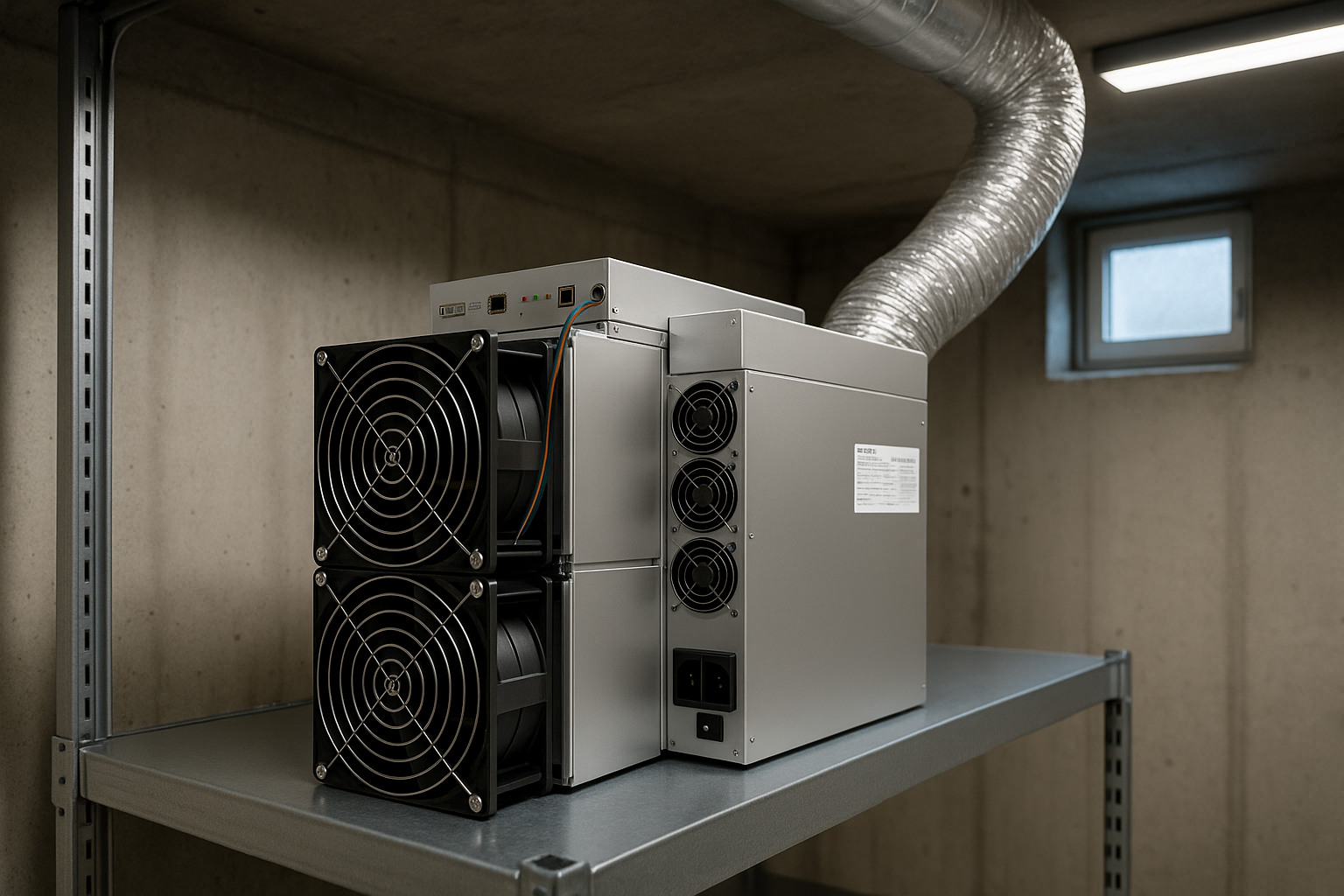
This is where most first-time ASIC buyers make costly mistakes. Order the miner after your electrical work is done, not before.
Dedicated Circuit Requirements
The Z15 Pro (2,780W) and X9 (2,472W) both run on 240V power with NEMA 14-30 or L6-30 connectors. Here’s what your electrician needs to install:
- Circuit breaker: 20A double-pole (for miners up to ~3,000W; the 80% continuous-load rule means a 20A breaker handles 16A sustained, or ~3,840W at 240V — sufficient for either miner)
- Wire gauge: 10 AWG minimum for 20A circuits; 8 AWG for runs longer than 30 feet
- Outlet type: NEMA 14-30R or L6-30R depending on your power supply unit’s connector — confirm before installation
- Dedicated circuit: Never share with other appliances. ASIC miners run at sustained full load 24/7, unlike household devices that cycle on and off
If you plan to run both a Z15 Pro and an X9 simultaneously, that’s roughly 5,252W combined — requiring two separate 240V/20A circuits or a single 30A circuit. Have a licensed electrician assess your main panel’s available capacity before ordering hardware.
Monthly electricity cost comparison at three common residential rates:
| Miner | @$0.07/kWh | @$0.10/kWh | @$0.13/kWh |
|---|---|---|---|
| Antminer Z15 Pro (2,780W) | $139/mo | $198/mo | $258/mo |
| Antminer X9 (2,472W) | $124/mo | $178/mo | $231/mo |
| Antminer Z15 (1,510W) | $76/mo | $109/mo | $141/mo |
Use the BT-Miners profitability calculator to model your specific electricity rate and see your net daily income in real time.
Cooling and Ventilation: Keeping Your Miner Running Long-Term
ASIC miners generate substantial heat. The Z15 Pro’s 2,780W of power consumption exits almost entirely as heat — roughly equivalent to three conventional space heaters running simultaneously. Without proper airflow, the miner will throttle its hash rate, trigger thermal shutdowns, and accumulate hardware stress over time.
Best Locations for Home ASIC Installation
- Garage: Ideal. Natural airflow, away from living spaces, and easy to vent heat outdoors via a window or wall cutout. Concrete floors handle the weight and are non-flammable.
- Basement: Good option if you have a window or can install a through-wall exhaust fan. Basements stay naturally cooler in summer — useful for extending miner lifespan.
- Dedicated utility room: Acceptable with active ventilation — install an intake fan on one wall and an exhaust fan on the opposite side to create cross-flow airflow.
- Living spaces: Not recommended. Noise and heat from an industrial ASIC make day-to-day cohabitation impractical.
Ventilation Rules of Thumb
Aim for at least 1.5× the miner’s internal CFM rating in room air exchange capacity. Most ASIC miners move 150–300 CFM internally; your room exhaust should match or exceed this. A 6-inch inline duct fan rated at 400 CFM is typically sufficient for a single miner in a small enclosed space. In summer months, supplement with a small window AC unit in a dedicated mining room to prevent thermal throttling during heat waves.
The target ambient temperature at the miner’s intake is below 35°C (95°F). Above that threshold, most ASICs reduce clock speeds automatically or shut down as a protective measure.
Noise Management: Living With an Industrial Miner
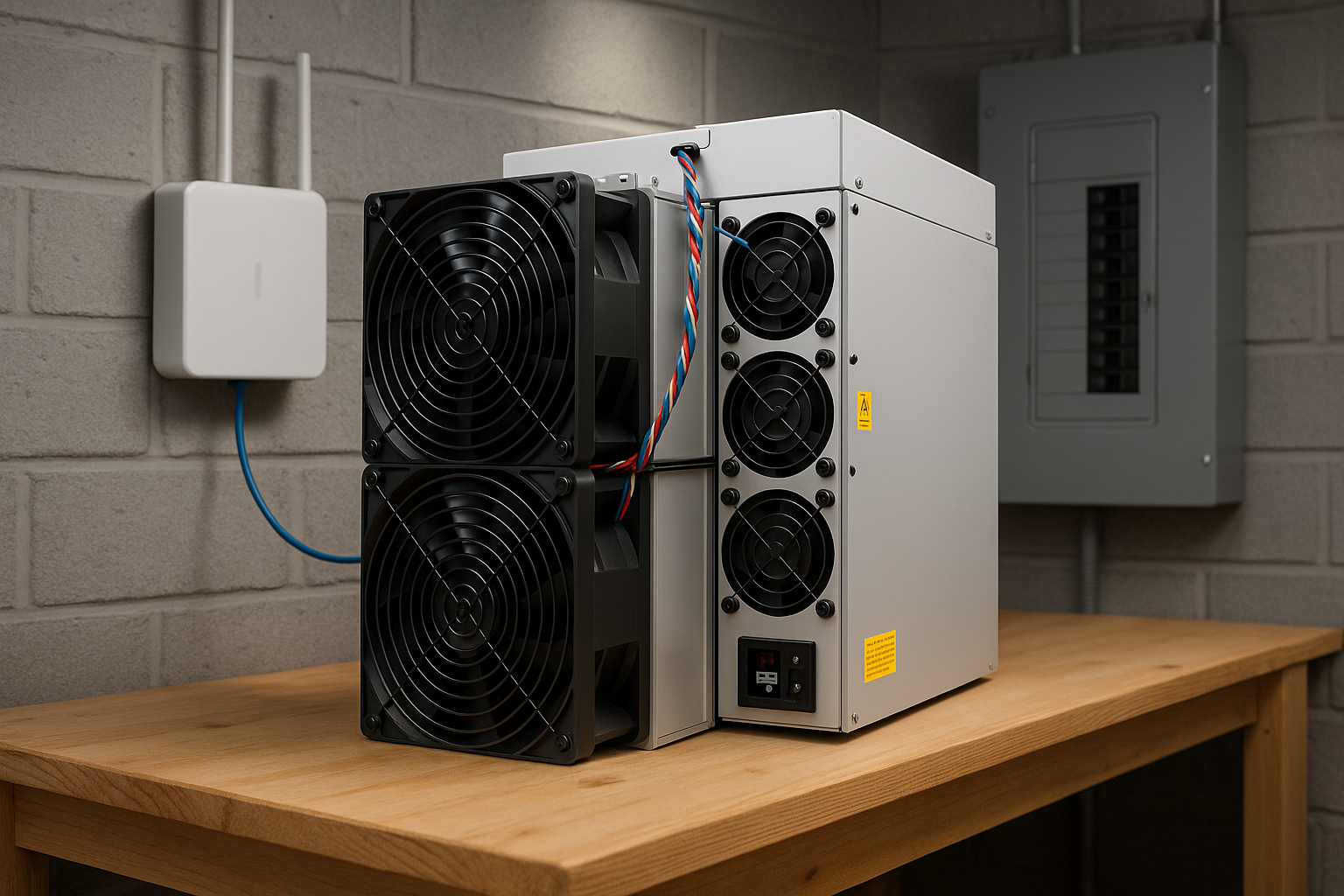
The Antminer Z15 Pro operates at approximately 72–76 dB at full fan speed — comparable to a loud dishwasher or a vacuum cleaner running in the same room. The X9 is in a similar range. These are not quiet devices, but they’re manageable with the right setup.
Practical Noise Reduction Strategies
- Physical separation: An interior wall between the mining room and living space makes the biggest single difference. Solid-core doors outperform hollow-core for noise attenuation.
- Acoustic foam panels: Lining the walls of a small mining room with acoustic foam can reduce perceived noise by 5–10 dB — meaningful when starting at 75 dB.
- Anti-vibration feet: Rubber isolation feet under the miner prevent mechanical vibration from transmitting through floors and walls. A $20 set of rubber feet eliminates one of the most annoying aspects of ASIC operation.
- Fan speed tuning: The Z15 Pro’s management dashboard allows custom fan profiles. Running at 90–95% fan speed can reduce noise by 3–5 dB with minimal thermal impact when ambient temperatures are controlled.
- Insulated enclosures: Advanced home miners build insulated wooden or MDF enclosures with ducted intake and exhaust. Done correctly, these reduce audible noise outside the box by 15–20 dB — making it possible to operate miners in an attached garage without disturbing the household.
Mining Pool Configuration: Connecting to the ZEC and XMR Networks
Once your miner is powered on and connected to your local network via Ethernet, the next step is pointing it at a mining pool. Here’s how to configure both the Z15 Pro (ZEC) and X9 (XMR).
Zcash (ZEC) Pool Configuration — Antminer Z15 Pro / Z15
Recommended ZEC pools in 2026:
- Flypool Zcash (flypool.org) — largest Equihash pool, reliable payouts, 1% fee. Best for stability and consistent share rewards.
- F2Pool (f2pool.com) — large multi-coin pool with solid ZEC support and PPLNS payment model
- ViaBTC (viabtc.com) — PPLNS payments, good for consistent earnings at scale
Flypool pool configuration example:
Pool 1 URL: zec.flypool.org:3333
Worker: YOUR_ZEC_WALLET_ADDRESS.z15pro_rig1
Password: x
Access your miner’s admin panel at its local IP (typically 192.168.x.x) via a web browser. Go to Miner Configuration → Pools and enter three pool entries for automatic failover. The miner switches to pool 2 or 3 if pool 1 becomes unreachable.
Monero (XMR) Pool Configuration — Antminer X9
Recommended XMR pools in 2026:
- MoneroOcean (moneroocean.stream) — algorithm-switching pool that automatically mines the most profitable RandomX coin at any given time. Strongly recommended for X9 owners to maximize yield.
- SupportXMR (supportxmr.com) — established XMR-only pool with PPLNS payouts and low minimum payout threshold
- P2Pool — decentralized option for miners who prefer no pool operator; requires running a Monero node locally
SupportXMR pool configuration example:
Pool 1 URL: pool.supportxmr.com:3333
Worker: YOUR_XMR_WALLET_ADDRESS.x9_rig1
Password: x
After saving the configuration, your miner should begin submitting shares within 1–2 minutes. Monitor the pool’s worker dashboard to confirm accepted shares before leaving the setup unattended.
Home Mining vs. Hosting: Which Is Right for Your Situation?
Not everyone has the electrical capacity, dedicated space, or noise tolerance that home mining requires. BT-Miners offers professional co-location hosting services as an alternative — your hardware runs in a data center at industrial electricity rates (often below $0.05/kWh), with 24/7 monitoring and maintenance included.
| Factor | Home Mining | Hosted Mining |
|---|---|---|
| Electricity rate | $0.07–$0.15/kWh (residential) | $0.04–$0.06/kWh (industrial) |
| Z15 Pro net daily income | $14.06/day @ $0.07/kWh | ~$16.13/day @ $0.05/kWh |
| Upfront setup cost | $300–$1,000 (electrician + ventilation) | Hosting setup fee (varies) |
| Uptime management | Self-managed; outages stop mining | Typically 99%+ SLA |
| Noise and heat impact | Full impact on your home | Zero impact on your home |
| Hardware control | Full physical access | Remote access; facility handles maintenance |
| Best suited for | Cheap local power + dedicated space available | High local rates, limited space, or ease of operation |
The sweet spot for home mining: residential electricity below $0.09/kWh, a garage or basement with proper ventilation, and tolerance for the one-time electrical setup cost. If your local electricity rate exceeds $0.10/kWh, the economics of hosting typically win. Contact the BT-Miners team for a hosting quote and comparison at your specific rate.
Frequently Asked Questions
Can I run an Antminer Z15 Pro in my apartment?
It’s technically possible but impractical for most apartments. The Z15 Pro requires a dedicated 240V circuit not typically available in apartment wiring, draws 2,780W continuously, and operates at 72–76 dB. A garage, basement, or dedicated utility room is the right environment. If space is a constraint, co-location hosting removes the infrastructure problem entirely.
How much does electrical preparation cost for a home ASIC setup?
A licensed electrician typically charges $150–$400 to install a new dedicated 240V/20A circuit including the breaker, wiring, and outlet. If your main panel needs an upgrade (older 100A panels may have limited capacity), costs can rise to $1,000–$2,500. Always have an electrician assess your panel before ordering hardware.
What internet connection speed does an ASIC miner need?
Minimal — even a basic broadband connection is far more than sufficient. ASIC miners send and receive very small data packets (shares and work assignments). The miner should be connected via wired Ethernet rather than Wi-Fi for reliability. Most ASICs have a 10/100 Mbps RJ45 port on the control board.
Is the Antminer Z15 Pro profitable for home mining in 2026?
At current ZEC price of $354.30 and $0.07/kWh electricity, the Z15 Pro generates approximately $14.06/day net. At a purchase price of $3,700, payback is approximately 8.7 months. That makes it one of the more attractive home mining options on the market today — provided your electrical setup supports the 2,780W draw.
Should I mine ZEC or XMR if this is my first home ASIC?
Both are strong options in 2026. The Z15 Pro (ZEC) typically has a lower purchase price entry point; the X9 (XMR) delivers higher absolute daily income but costs more upfront. If minimizing setup budget is the priority, the Z15 Pro is the natural starting point. If maximizing daily cash flow is the goal, the X9’s $18.39/day net is hard to match in this price tier.
Get Started With BT-Miners
Home mining a ZEC or XMR ASIC in 2026 is genuinely viable — but the electrical and physical setup work must come first. Get your circuit installed, ventilation sorted, and mining pool accounts ready before the hardware arrives. The miners themselves are straightforward to configure once the infrastructure is in place.
Browse the full lineup of available Antminer Z15 Pro and Antminer X9 units, use our profitability calculator to model your specific electricity rate, or contact the BT-Miners team to discuss whether home mining or co-location hosting is the better fit for your situation.