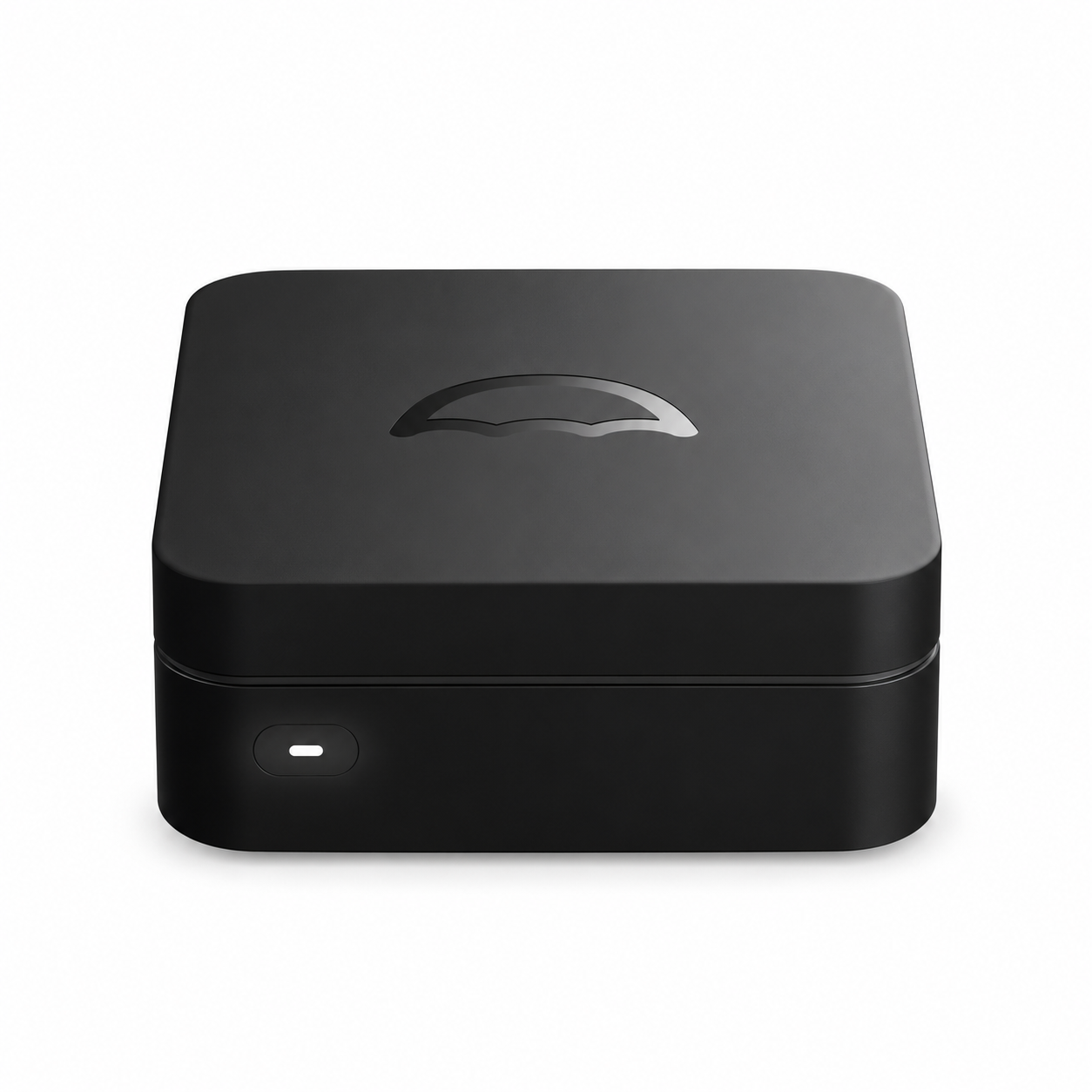
Umbrel Home Bitcoin Node Server – 16GB RAM, 2TB SSD
US$1,800.00


Compact umbrelOS server with Intel N150, 16GB RAM and a 2TB NVMe SSD for a Bitcoin node and DATUM Gateway. Browser-based management; node and gateway setup required.
Technical specifications
| Specification | Details |
|---|---|
| Brand / model | Umbrel Home |
| Processor | Intel N150; 4 cores; up to 3.6GHz |
| Memory | 16GB DDR5 |
| Storage | 2TB NVMe SSD |
| Operating system | umbrelOS |
| Network | Gigabit Ethernet; Wi-Fi and Bluetooth listed by manufacturer |
| Ports | 3 x USB 3.0, Gigabit Ethernet |
| Administration | Web browser on a computer, tablet or phone |
| Cooling | Active cooling |
| Application role | Bitcoin node server and DATUM Gateway host |
| Setup requirement | Compatible software installation, configuration and node synchronization |
Run your own Bitcoin node on the Umbrel Home, a compact personal server with an Intel N150 quad-core processor, 16GB of DDR5 memory and a 2TB NVMe SSD. Its small enclosure fits neatly into a home or office setup, while umbrelOS brings supported applications together in an interface you can access from a web browser.
Install Bitcoin Node to validate the Bitcoin blockchain on your own hardware. DATUM Gateway is available through the Umbrel App Store, allowing an appropriately configured node to supply local block templates for compatible Bitcoin mining hardware. The Umbrel Home provides the node and gateway environment; your connected SHA-256 ASIC performs the mining calculations.
Gigabit Ethernet supports a wired connection to your network, and three USB 3.0 ports provide additional connectivity. The server can also run supported self-hosted applications, with available resources and storage shared across the services you install.
To begin, connect Ethernet and power, create your umbrelOS account, install compatible Bitcoin node and DATUM software, and complete blockchain synchronization. A screen or keyboard is not required for everyday browser-based administration. This listing covers the hardware with umbrelOS; a fully synchronized Bitcoin node or completed DATUM setup is included only when expressly stated in your order.
Estimated dispatch and delivery
Please select the applicable product batch. Future-batch and pre-order products follow the manufacturer’s actual release and dispatch schedule. Manufacturer delays may occur, and BT ECOMMERCE CO., LIMITED is not responsible for losses arising from those delays. If no batch selection is shown, the product is treated as in stock.
Shipping
New in-stock miners are normally dispatched within 1–3 business days after full payment is verified. Used in-stock miners require testing and are normally dispatched within 3–7 business days after full payment is verified. After dispatch, delivery usually takes 5–7 business days, subject to customs clearance and local carrier conditions. A tracking number will be emailed after shipment.
Cancellation, returns and faults
All sales are final and non-refundable. A cancellation may be requested before the order is handed to the carrier and is subject to a 25% cancellation fee. Orders cannot be cancelled after handover to the carrier. If a miner is faulty on arrival, contact us promptly. After diagnosis, eligible cases will be handled by repair or replacement only; no refund will be issued. Contact store@bt-miners.com for assistance.
Related Products
-
-
NVIDIA RTX PRO 6000 Blackwell Series
from US$20,000.00 -