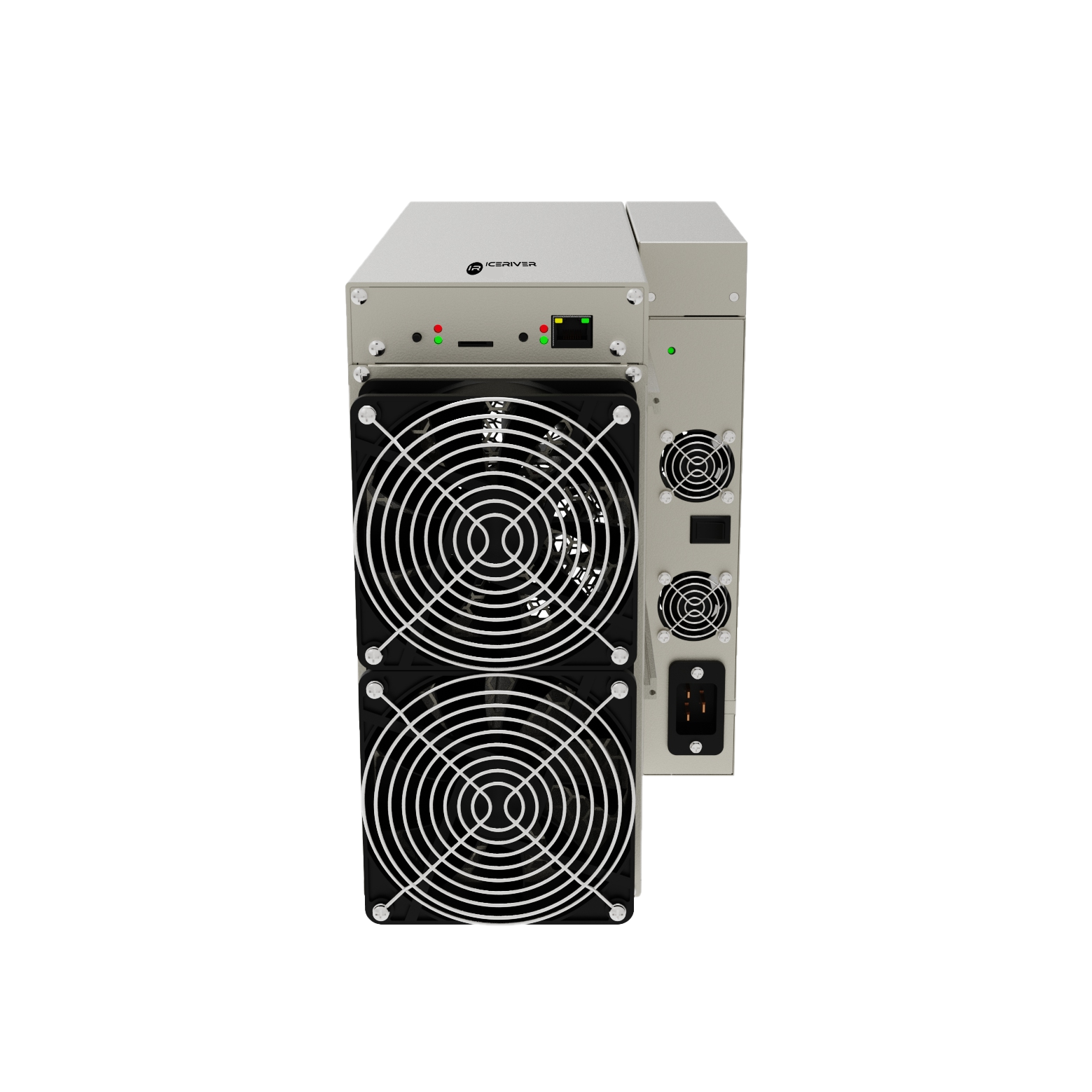

-
Power
3500W
-
Hashrate
15.00 TH/s
-
Efficiency
233.33 J/T
-
Algorithm
Blake3
ICERIVER AL3 Alephium Miner 15TH/s | BT-MINERS
US$1,800.00
Top Hashrate : Up to 100% better than the previous generation
High Stability : Supports 24/7 continuous operation
Warranty : Come with 6-month factory warranty.


AL3 Profitability Calculator
Daily Earning
ROI
Electricity
Electricity ratio
Net Profit
Miner Profitability History
ICERIVER AL3 Alephium Miner
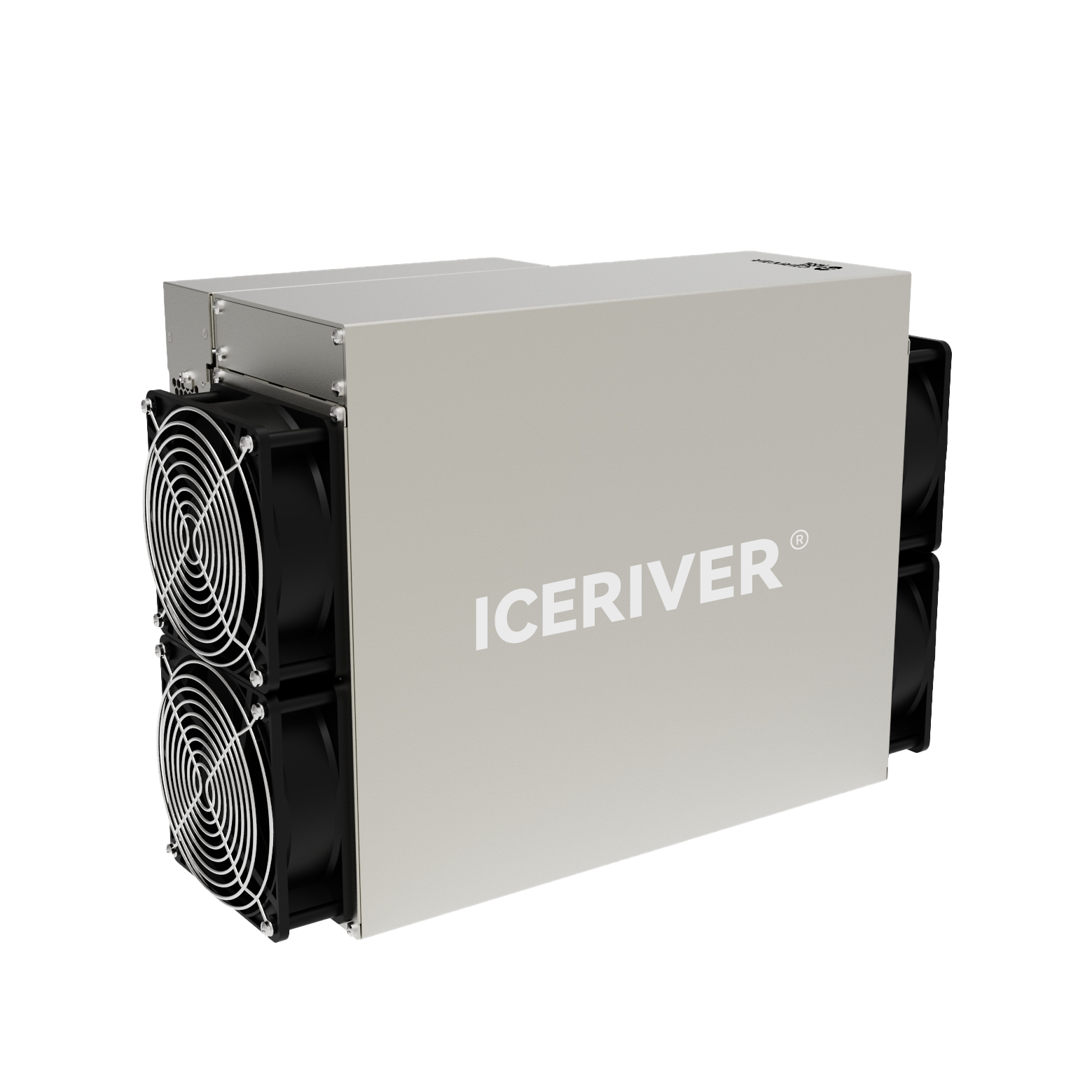
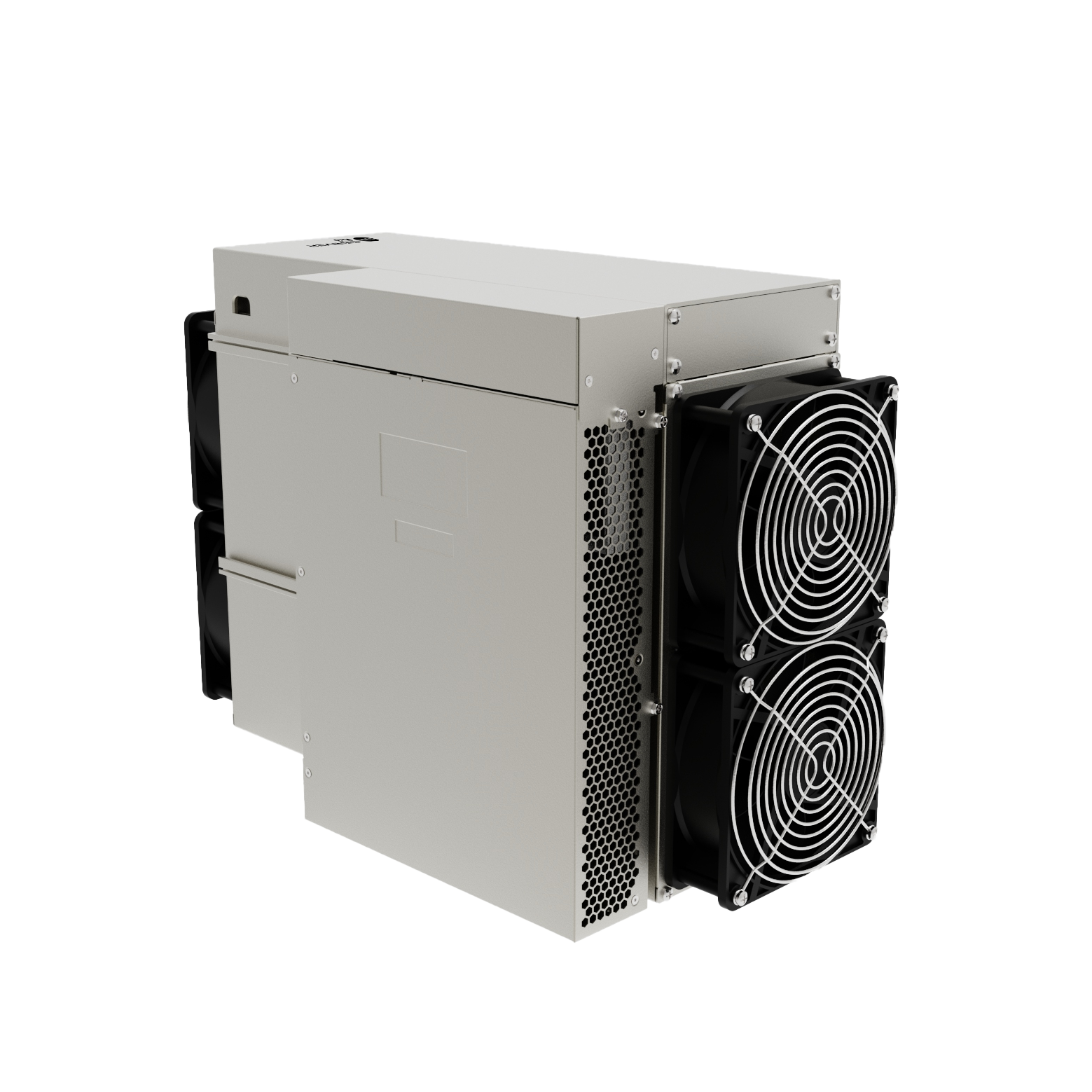
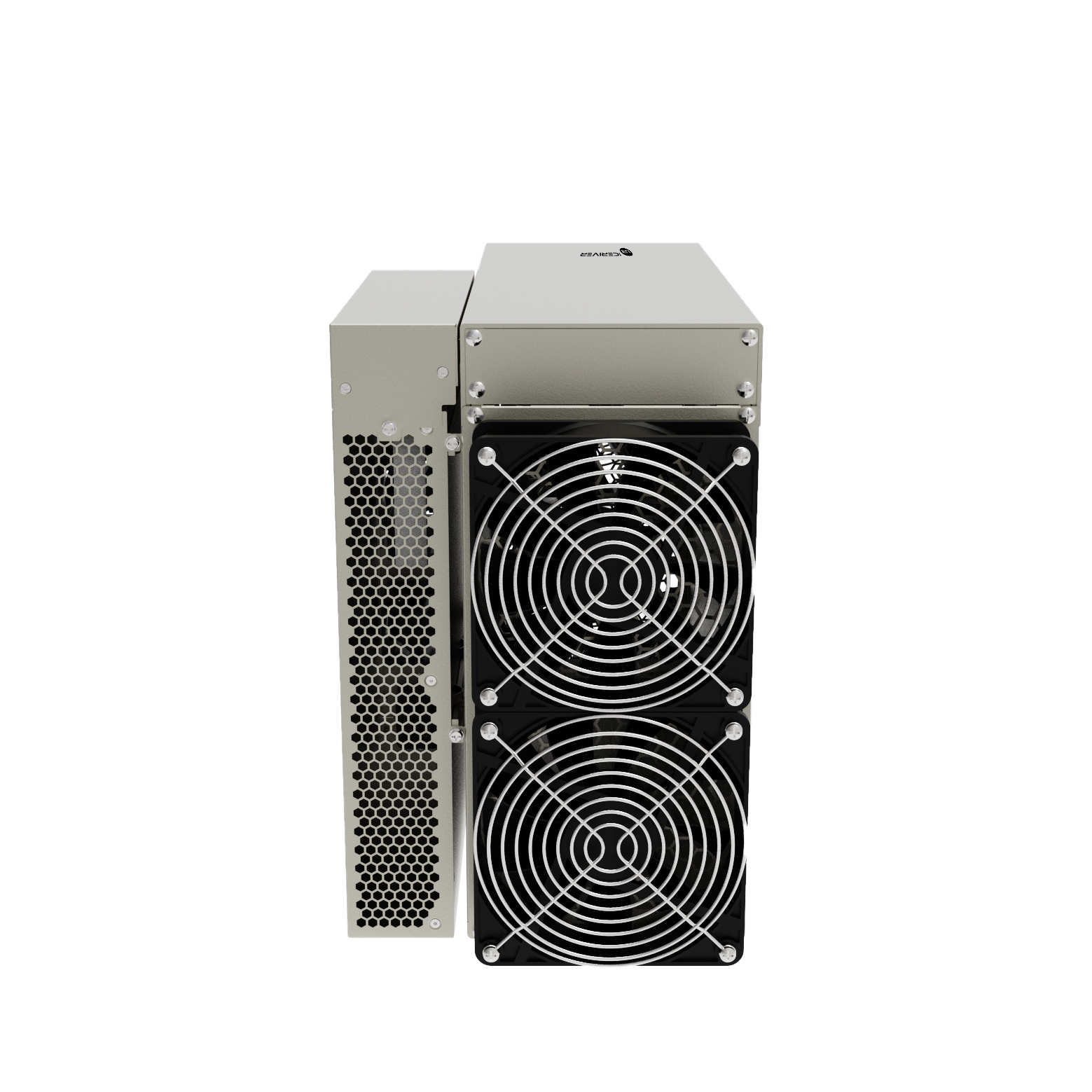
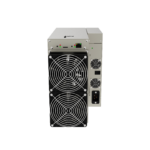
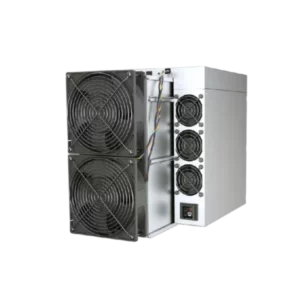
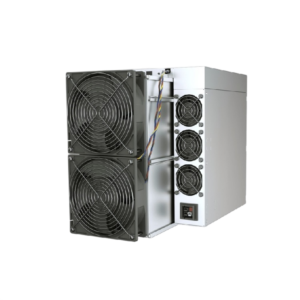
The Iceriver AL3 operates under the Blake3 algorithm, offering a 15 TH/s hashrate and 3500W power consumption. Designed for Alephium (ALPH) mining, it delivers 233.33 J/TH efficiency, with a noise level of 75 dB. Its operating temperature ranges from 5°C to 40°C, to withstand various conditions for mining alephium coin. Weighing at a mere 16kg,the compact size allow it to be transported with ease.
New miners come with a 6 month warranty from the manufacturer.
Technical Specifications
| Product Glance | Value |
|---|---|
| Model | AL3 |
| Crypto algorithm/coins | Blake3|ALPH |
| Typical hashrate | 15.00 TH/s |
| Power on wall @35℃, Watt | 3500W |
| Detailed Characteristics | Value |
|---|---|
| Power Supply | |
| Input voltage, Volt | 100-240V |
| Hardware Configuration | |
| Networking connection mode | ethernet |
| Server size(length*width*height, w/o package), mm | 370x195x290 |
| Net weight, kg | 16kg |
| Environment Requirements | Value |
|---|---|
| Storage temperature, °C | -20~70 |
| Operation humidity(non-condensing), RH | 10~90% |
| Operation temperature,°C | 0~40 ℃ |
| Operation altitude, m | ≤2000 |
| What's in the Box | Value |
|---|---|
| Original factory mining machinery | ✓ |
| Power supply | ✓ |
| Shockproof packaging | ✓ |
(1) The hashrate value, power on wall, and power efficiency on wall are all typical values. The actual hashrate value fluctuates by ±3%, and the actual power on wall and power efficiency on wall fluctuate by ±5%.
(2) Caution: Wrong input voltage may cause server damaged.
(3) The noise is loudest when the fan is under maximum RPM(rotation per minute).
(4) When the server is used at an altitude from 900m to 2000m, the highest operating temperature decreases by 1℃ for every increase of 300m.
Estimate time
Please select your preferred product batch – Available Now (In Stock) for immediate shipment or Month Batch for delivery within your chosen timeframe. If no selection is needed, the product is in stock and ready to ship. If you haven’t received your miner after the estimated time, please contact us at store@bt-miners.com, and our team will assist you promptly.
Shipping
All used miners will undergo testing by our certified technicians before shipping, which requires 3-5 business days. New miners will be shipped from our Shenzhen or Hong Kong warehouse, with international delivery taking approximately 5-10 business days via DHL. Once your order is shipped, you will receive a confirmation email with a tracking number. Shipping fees are calculated based on product type and weight, varying by region.
Returning policy
All sales are final and non-refundable after shipment, but we offer repair and replacement services if there are technical issues with your miner.
How To Perform Iceriver Al3 Firmware Update?
To get the results from your IceRiver AL3 you need to make sure it has the latest software. This will help you mine Alephium well. Follow these steps to do that.
The steps are simple. Will help your IceRiver AL3 run the latest software, for great Alephium mining performance.
To get the firmware you need to go to the IceRiver website. You can also try a site like Kryptex that you know is safe.
Download the IceRiver AL3 firmware, from there.
Make sure the file you get has.bgz at the end.
Access the Dashboard: Open a web browser on a computer connected to the same network as your miner. Enter the miner’s IP address into the address bar to log in to the web interface.
Navigate to Upgrade: Once logged in, locate the “Firmware Upgrade” (or “System Update”) tab on the side navigation menu.
To upload the file you need to click on the button that says “Select File” or “Browse”. Then you have to choose the.bgz firmware package that you downloaded earlier in step one. This is the file you got at the beginning. You have to pick the right.bgz firmware package to continue.
To get started with the update you need to click the “Update” button. This is when the system will start to upload and install the software. The system will do this on its own once you click the “Update” button.
Here is an important safety tip. Do not turn off the miner. Unplug it from the internet while it is updating. If the miner loses power while it is updating it can really mess up your mining equipment, the miner. Make it completely useless, which is really bad, for your miner.
The computer will restart by itself after the installation of the AL3 is finished. This process usually takes a minutes, around 2 to 5 minutes for the AL3 to complete the reboot.
Verify the Version: Once the dashboard reloads, check the “System Version” or “Firmware Version” at the bottom of the page to confirm the IceRiver AL3 firmware update was successful.

ANTPOOL
ANTPOOL
Multiple payment methods available.
Payment Methods: PPS+, PPLNS and other methods depending on coin
Pool Fee: Varies by coin
Minimum Payout: Varies by coin
Payout Schedule: Varies by coin

DXPOOL
DxPool
Multiple cryptocurrency mining pools available.
Payment Method: Varies by coin
Pool Fee: Varies by coin
Minimum Payout: Varies by coin
Payout: Regular automatic payouts

F2POOL
F2Pool
Multiple payout methods available.
Reward Scheme: Varies by coin
Pool Fee: Varies by coin and payout method
Minimum Payout: Varies by coin
Payout: Automatic payouts when the threshold is reached

WHALEPOOL
WhalePool
Multiple mining pools and payout methods available.
Payment Method: Varies by coin
Pool Fee: Varies by coin
Minimum Payout: Varies by coin
Payment Schedule: Varies by coin





IceRiver AL3
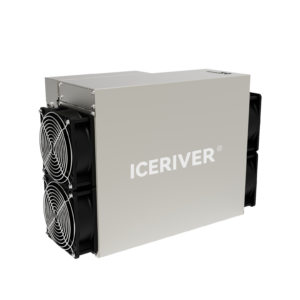
The IceRiver Model AL3 is a powerful, cutting-edge miner designed to efficiently mine cryptocurrencies using the Blake3 algorithm. With a maximum hash rate of 15Th/s and power consumption of 3500W, the AL3 requires a stable power supply but provides efficient output for serious miners. Equipped with air cooling and generating a noise level of 75 dB, it’s best placed in a dedicated, well-ventilated area. It features smart cooling fans that adjust their speed based on the current temperature. This allows the miner to function at peak efficiency without any potential downtimes. The miner is configured for harsh environments, operating effectively within a 5 to 40°C temperature range and humidity levels up to 90%. Built for serious miners, this robust miner delivers top-tier results for mining enthusiasts and professionals alike. Whether you’re expanding your mining operations or starting new, the AL3 offers incredible processing power to keep you well ahead.
IceRiver AL3 vs IceRiver AL0
The IceRiver AL3 delivers 15 TH/s, making it a powerful miner built for large Alephium operations. It offers fast coin accumulation but requires substantial electricity, cooling, and mining-farm infrastructure. This model is best for users who want maximum production and long-term, high-capacity mining.
The IceRiver AL0 provides 400 GH/s (0.4 TH/s) at only 100 W, making it ideal for home mining, hobby projects, or users wanting a low-risk entry into Alephium mining. It is extremely easy to deploy, quiet, and inexpensive to operate — but its overall output is much lower.
| Field | IceRiver AL3 | IceRiver AL0 |
|---|---|---|
| Algorithm | Blake3 (Alephium) | Blake3 (Alephium) |
| Hashrate | 15 TH/s | 0.4 TH/s (400 GH/s) |
| Power Consumption | ~3500 W | ~100 W |
| Energy Efficiency | High throughput per watt for large-scale mining | Extremely low power use; low electricity cost |
| Cooling | Air-cooled, requires good ventilation | Air-cooled, very quiet, minimal heat |
| Size & Weight | Large, farm-class miner | Compact, home-friendly miner |
| Deployment Requirements | Mining farm power capacity, stable airflow | Standard household outlet; no special setup |
| Best For | Large or professional ALPH mining farms | Home users, beginners, hobby miners |
| Pros | Massive hashpower, fast ALPH accumulation, suitable for scaling | Very low cost, low noise, ultra-efficient per watt, easy to deploy |
| Cons | High initial cost, high electric bill, strong airflow needed | Low total output; slow coin accumulation |
-

Processing & Shipping Time
-
Payment Policies
-
Taxes and Custom Duties


Order Processing: All orders are processed and dispatched within 72 hours after verified full payment, unless otherwise stated. Pre-orders typically ship at the end of the month of the batch but may be delayed if the manufacturer delays release/shipment. In stock machines ship in 3-7 business days from our warehouse in China. Bulk orders may require an additional 1–2 business days for handling.
Shipping Carriers: We always try to ship as soon as we can via reputable international carriers such as DHL, UPS or FedEx after full payment has been received and verified.
Estimated Delivery: Standard international shipping usually takes 4–7 business days to arrive after dispatch. Actual delivery may be affected by customs clearance and local carrier conditions, with total delivery time ranging from 8–10 business days.
Contact us at store@bt-miners.com or 813-820-0668 if you have any questions.
All products on our website are priced in US Dollars.
Payment made by credit or debit card may be subject to card processing fees.
We can accept payment by credit or debit card, wire transfer, ACH transfer (through our online portal), and crypto.
Bank transfer clearing times vary by bank and location. Cryptocurrency payments are typically confirmed within 1 business day.
*Machine prices will fluctuate according to the current market price.*
Customs & Delivery: Shipments are managed through DHL, UPS and FedEx for most international destinations. Due to changing regulations, we will not be able to cover duty tax for all orders entering USA. Deliveries to other countries may require customers to clear customs and pay duty tax. Please notify us right away if documents are requested by customs as improper filing may result in higher fees and/or delays.
DDP Option: We offer Delivery Duty Paid (DDP) service in select countries, which covers customs, duties, and taxes in the purchase price. Advance arrangement is required – please contact store@bt-miners.com for details.
Returns to Hong Kong: If a product must be returned to Hong Kong, the customer is responsible for all related shipping fees as outlined in our Returns & Refund Policy.
All sales are final and non-refundable on any terms.
Want to find more Similar Miners?
FAQs
-
What Is The Lifespan Of This Mining Machine?
The lifespan of mining hardware is influenced by usage intensity, environmental factors like temperature, humidity, and dust. Proper maintenance and optimal conditions can significantly extend its longevity.
-
How Does Electricity Cost Impact Profitability?
Electricity costs play a crucial role in mining profitability, as high rates can quickly offset profit. Therefore, it is vital to access local electricity costs to determine if mining is viable. With high electricity costs and high liquidity of digital assets, investing in an energy-efficient miner becomes even more important.
-
Does BT-MINERS ship worldwide and test before dispatch?
Yes — all units are tested, securely packaged, and offered for international shipping by BT-MINERS.
-
Which coins can be mined?
Alephium (ALPH) using Blake3 algorithm.
-
Can AL3 run 24/7 under load?
Yes — under adequate ventilation and stable power supply, AL3 supports reliable continuous operation.
-
What power supply / input voltage is required?
Requires stable power supply; typically mining-farm-grade voltage (check local regulations), and proper ventilation/cooling environment.
-
What size and weight is the miner?
Approximate dimensions are 430 × 195 × 290 mm and weight around 15 kg.
-
Is AL3 suitable for small-scale or home mining?
Generally no — due to high power consumption and heat output, it is better suited for dedicated mining farms or large-scale setups.
-
What cooling method does it use?
It uses an air-cooled system with built-in fans — suitable for mining farms with ventilation.
-
How much power does IceRiver AL3 consume?
Typical wall-plug power consumption is 3500 W.
-
What is the hashrate of IceRiver AL3?
The miner delivers 15 TH/s under standard operating conditions.
-
What algorithm does IceRiver AL3 mine?
It mines Alephium (ALPH) using the Blake3 algorithm.